Self-service Portals
Give users a structured way to initiate, view or complete service interactions without depending entirely on manual channels.
A useful digital experience is not just a polished interface. V3C designs service journeys that connect the person using the channel to the workflows, applications and information the institution uses to deliver the service.
A portal or mobile application may be where a user starts, but the outcome usually depends on processes behind the screen: validation, scheduling, payment, approval, records, notifications or staff action.
When the digital experience is designed separately from those dependencies, the service may look complete while the underlying process remains fragmented.
V3C maps the user journey alongside the institutional workflow. That connects interface decisions to the systems, data and operational actions required to complete the service.
Give users a structured way to initiate, view or complete service interactions without depending entirely on manual channels.
Design digital access around service status, appointments, results, payments, requests and other supported institutional interactions.
Deliver responsive experiences that work across desktop, tablet and mobile, including installable progressive web applications where appropriate.
Connect the visible user steps to the operational actions and systems required to complete the service.
A service-flow model showing a user interacting with a digital channel that connects through application and integration layers to institutional systems and returns a response or status.
The experience is successful only when the full loop works: the user can act, the institution can process the action, and the result can return through the appropriate channel.
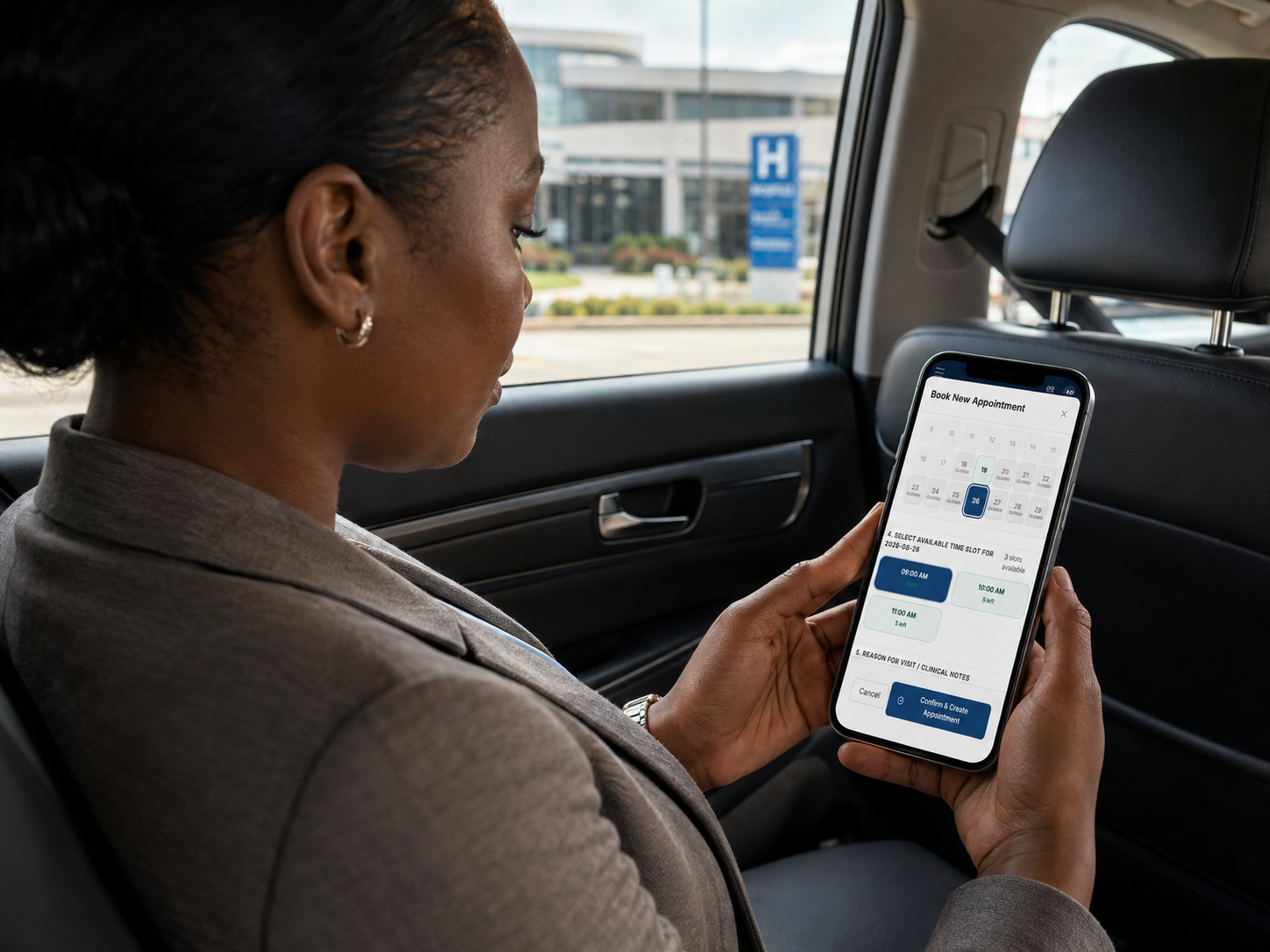 <
MyHealth demonstrates the principle that a patient portal is not an isolated website. The interface has value when it becomes a practical digital entry point into healthcare services and the workflows behind them.
Provide a digital front door for supported healthcare interactions.
Bring education-related information and service interactions into accessible digital channels.
Create structured service journeys for public or enterprise users.
Simplify access to institutional processes that employees repeatedly need to complete.
Connect patient-facing digital services to healthcare workflows.
Explore healthcare →Create accessible digital experiences for students, parents, teachers and administrators.
Explore education →Design service channels around public-sector processes.
Explore government →A healthcare implementation context centred on MyHealth and digital interaction between patients and hospital services. The detailed case study should retain only verified workflow and outcome claims.
Read the client story →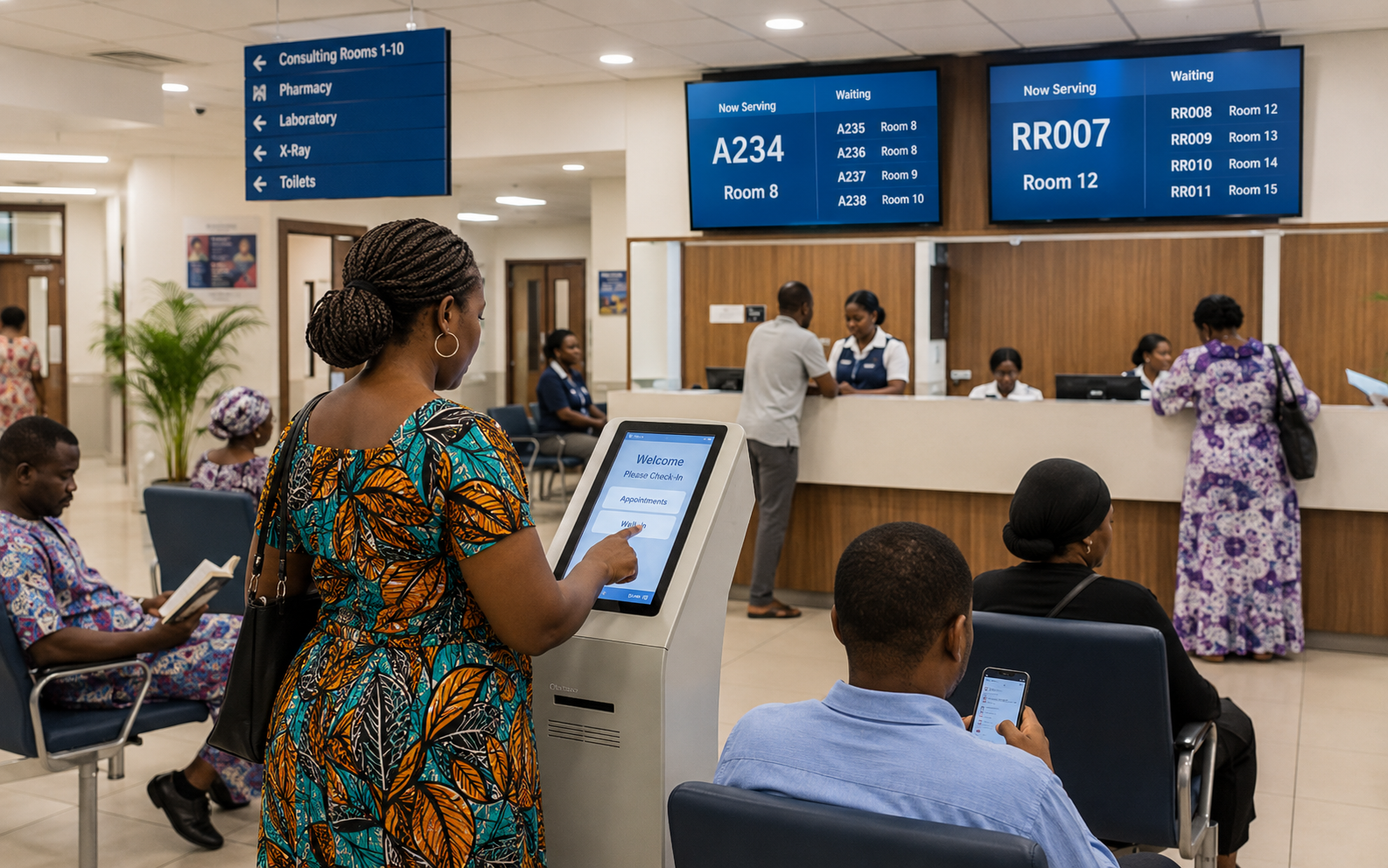
A proposed perspective on why useful digital access depends on the workflows, systems and service ownership behind the interface.
Explore V3C Insights →Tell us what the user needs to do and what the institution has to do behind the interaction for the service to be complete.